1
Open your Security device
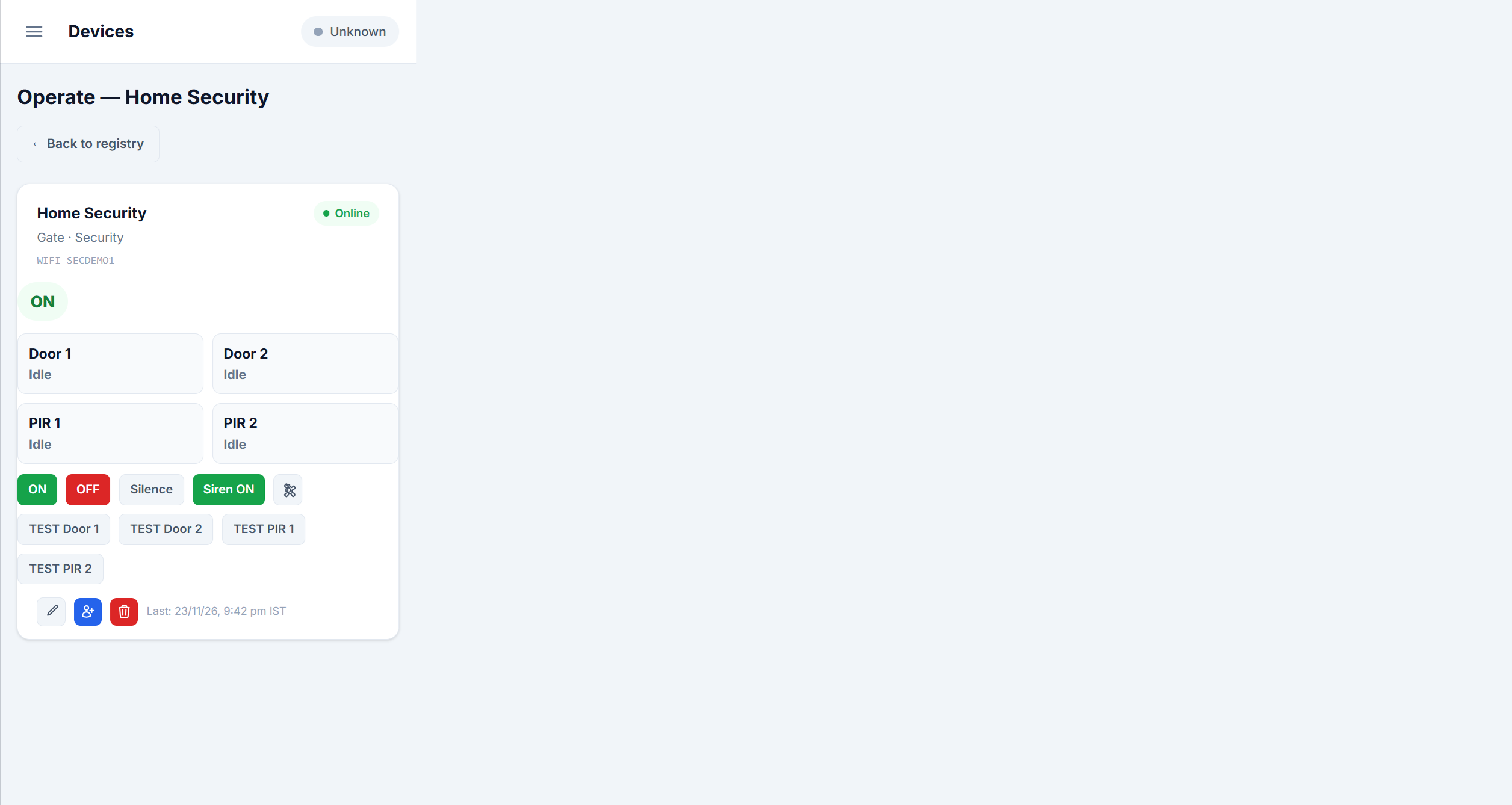
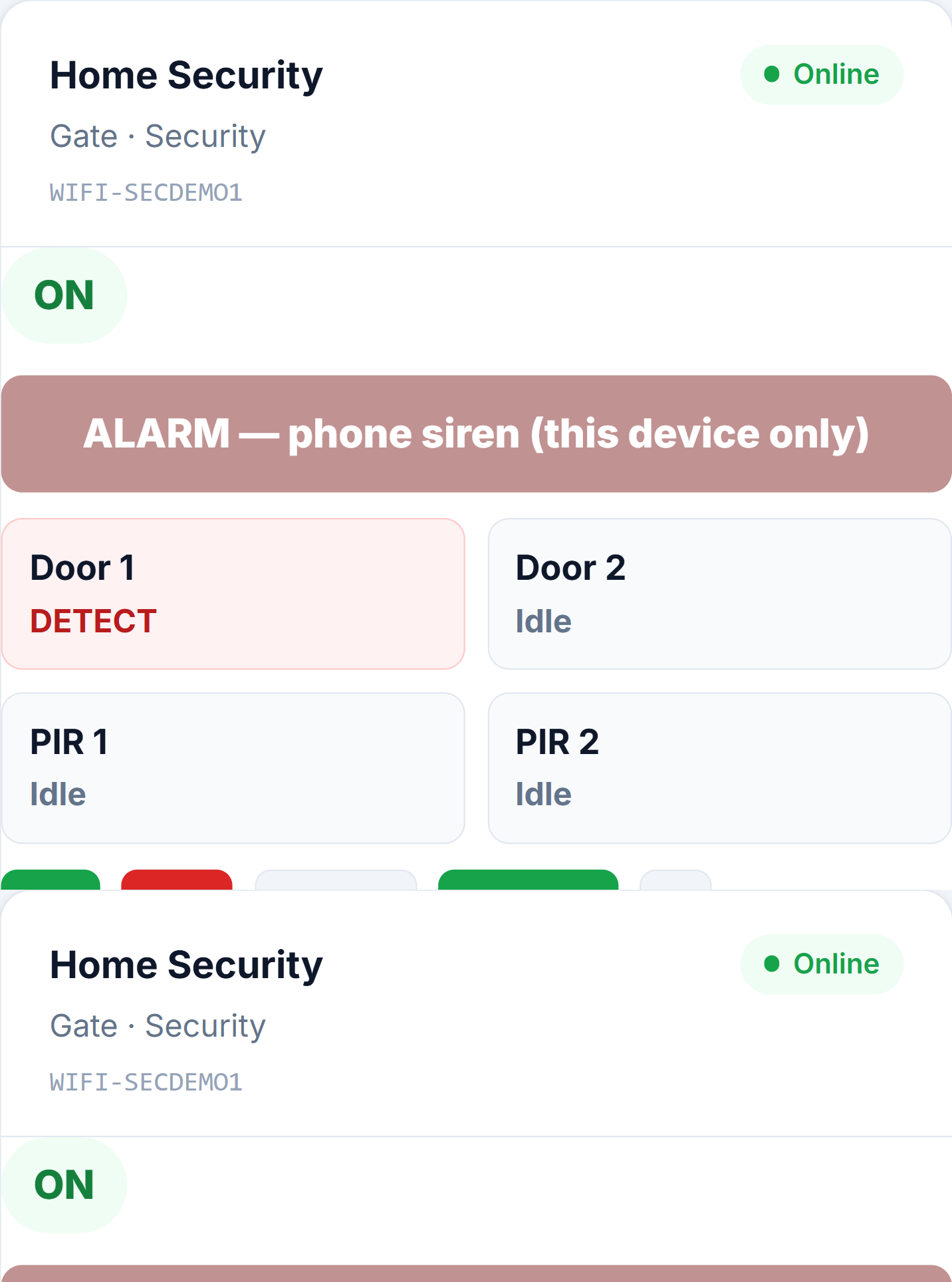
- Open the KSN WiFi Android app.
- Find the card that says Security (or your device name).
- Wait until it shows Online, then open it.
If it says offline, check WiFi power and wait a moment.
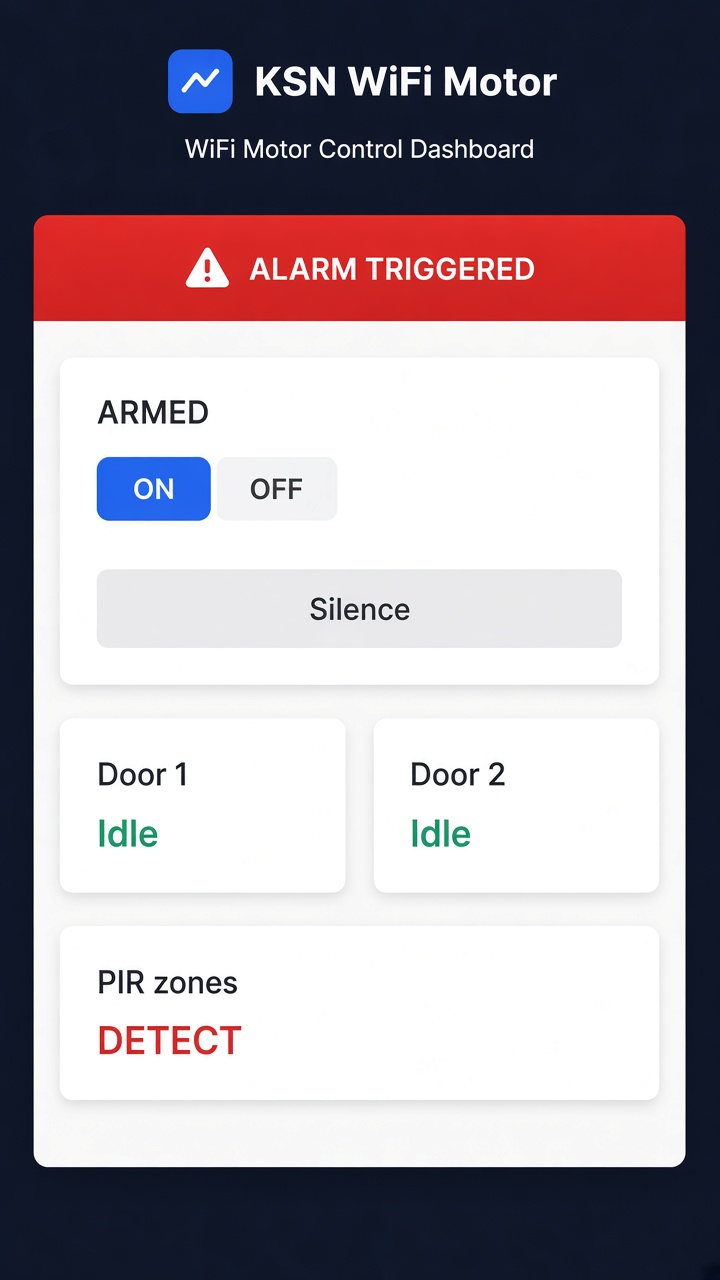
Protect your home or shop with door and motion sensing, a loud siren, and control from the Android app.
Product overview
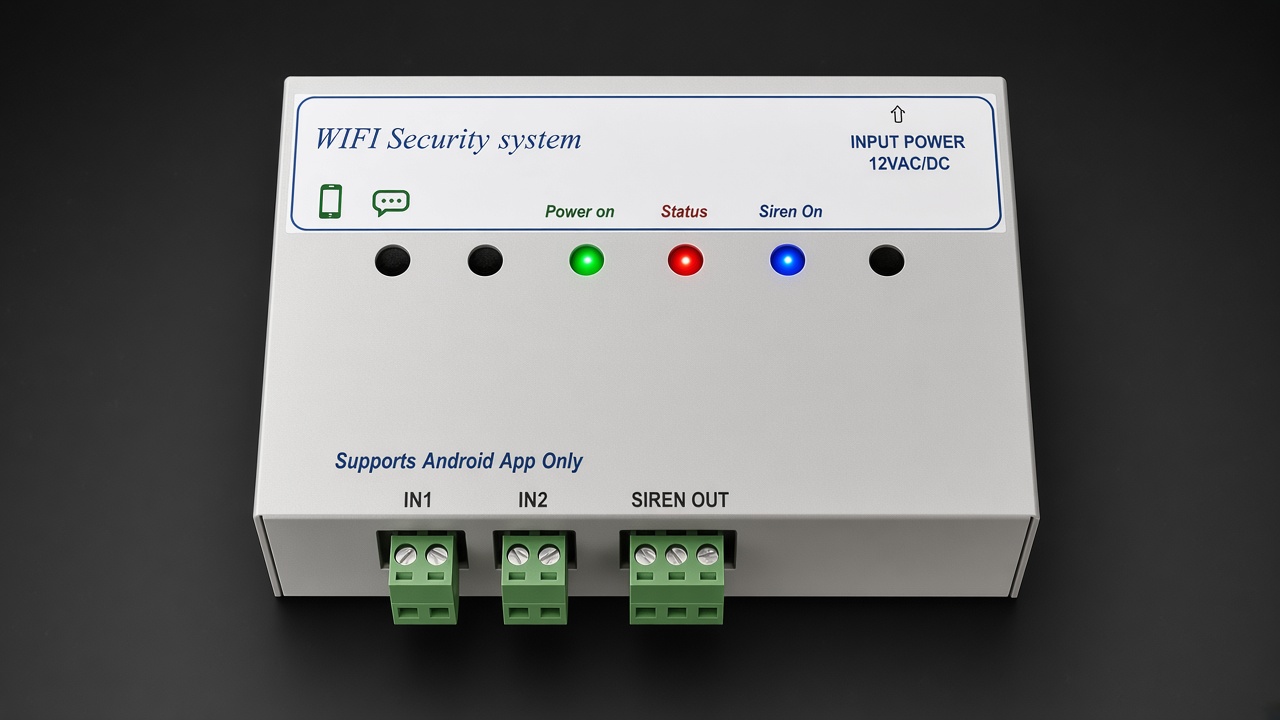
The KSN Wi-Fi Security System is a ready metal enclosure with clear status lights, sensor inputs, and siren output. Turn the system ON from the app when you leave — if a sensor trips, the siren can sound and your phone alerts you.
Product details
Simple product information for home and shop use.
| Product name | Wi-Fi Security System |
|---|---|
| Best for | Homes, shops, offices, and small warehouses |
| Input power | 12 V AC / DC |
| Sensor inputs | IN1 · IN2 — door / window / motion sensors |
| Siren output | SIREN OUT — connect your local alarm siren |
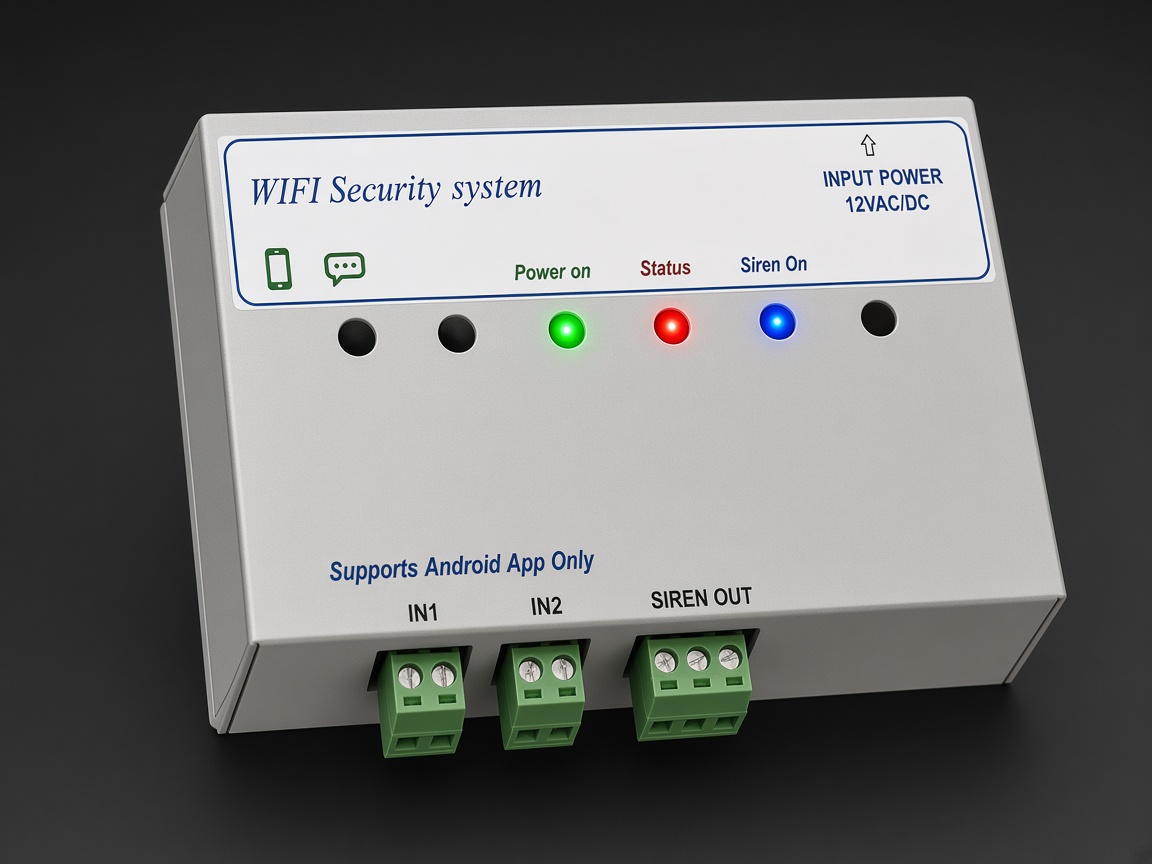
| Status lights | Power on · Status · Siren On |
| App | Android app — ON / OFF, Silence, live zone status |
| Network | Works on your WiFi |
| Enclosure | Ready metal case with labeled front panel and screw terminals |
On the unit
Front lights show power, system status, and siren activity. Bottom terminals make sensor and siren connection straightforward.
First-time setup
Power on, join the product’s setup WiFi, pick your home network, then open the app. A full colorful guide walks you through each step.
Use the app
Same style as our other KSN app guides — open the device, turn ON, and handle an alarm.
1
If it says offline, check WiFi power and wait a moment.
2
Use ON when you leave home or close the shop.
3
The site siren can also sound if it is wired and enabled.
4
Optional: ask your installer to set daily auto ON / OFF timing.
Order the Wi-Fi Security System on NSK Electronics. Your dealer can set up Wi‑Fi and the Android app — everyday use is only ON, OFF, and Silence.